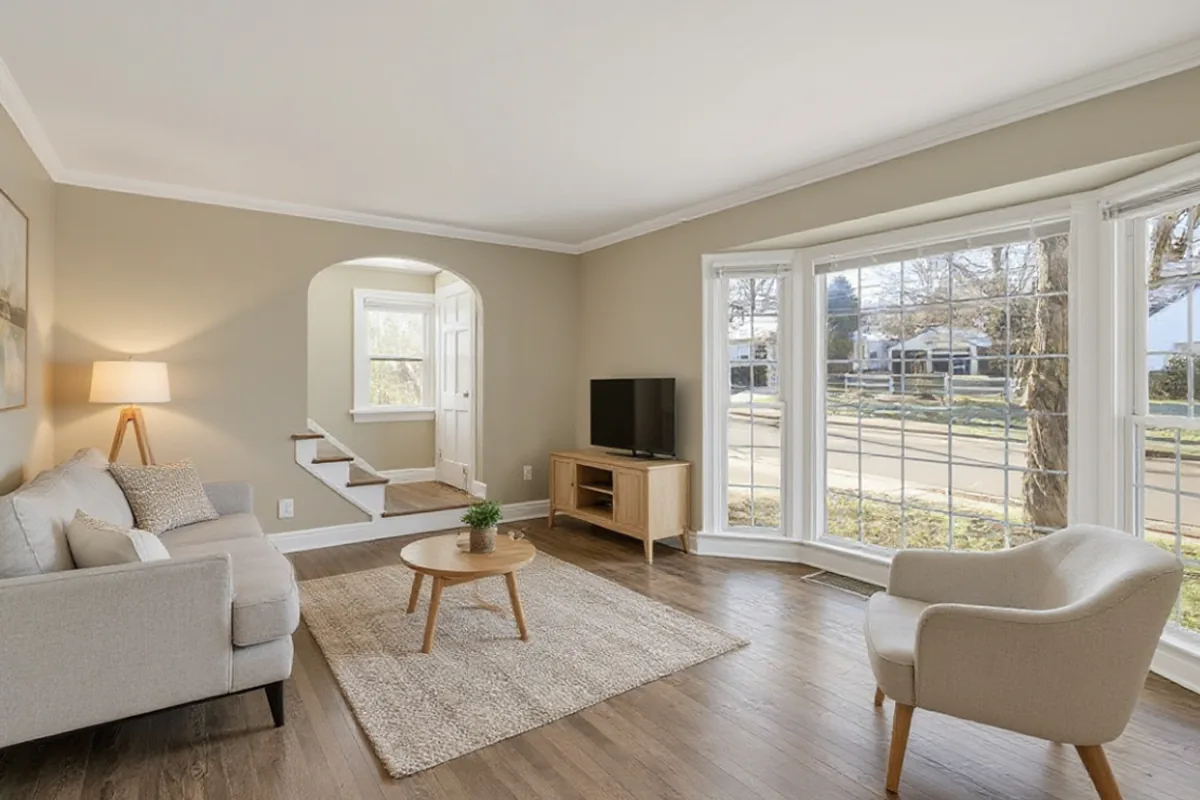
Empty rooms are hard to read. Buyers and renters struggle to judge the size of a bare room, where a sofa would go, or whether a bed fits. Virtual staging solves that by adding furniture to a photo, and AI makes it fast and cheap enough to try several looks.
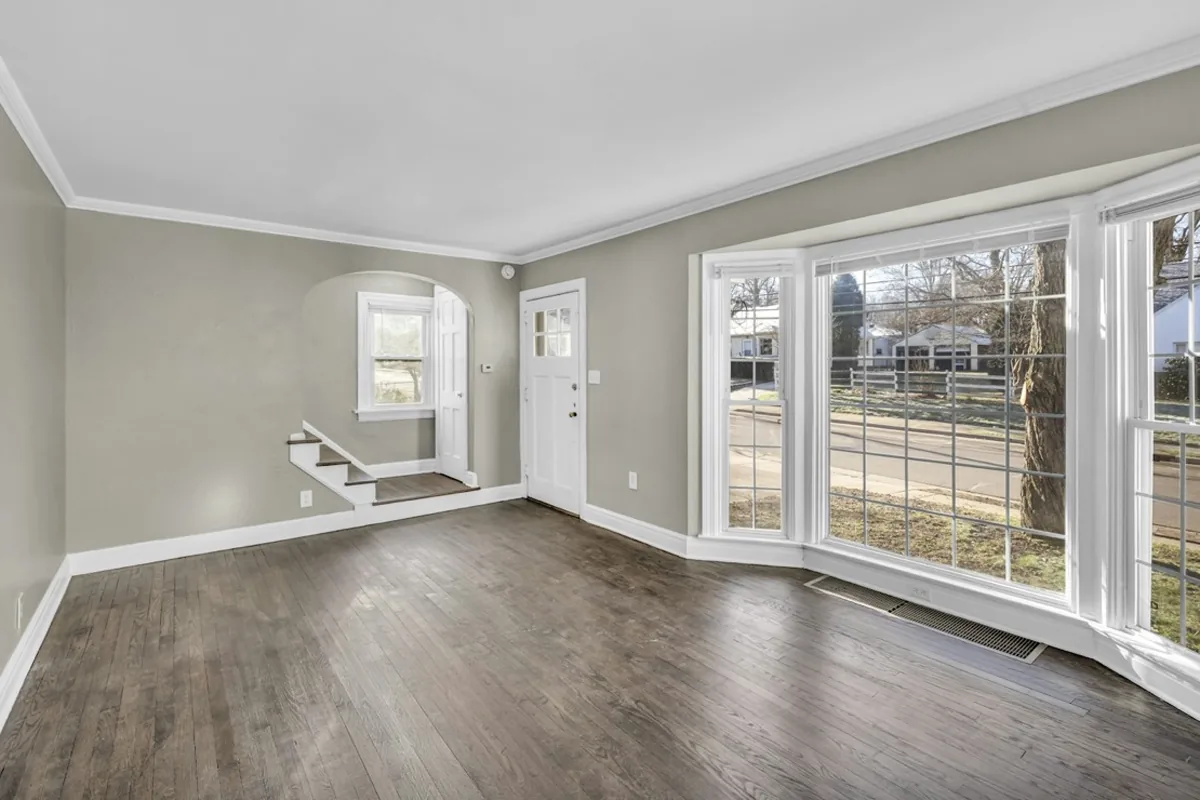 BEFORESCANDINAVIAN
When virtual staging makes sense
- Selling or renting an empty home. Staged photos help people picture living there.
- A new home you have just moved into. See furniture options before you buy anything.
- Holiday lets and short-term rentals between furnishing changes.
If the room is empty, you can stage an empty room from a photo in AI Room Design. If the room already has furniture, use Room Redesign instead. Staging adds furniture; it does not remove what is already there.
Step 1: Photograph the empty room well
- Shoot from a corner at chest height so two walls and the floor are visible.
- Use daylight and turn the lights on. Empty rooms photographed in dim light look cold.
- Keep the camera level. Leaning walls make staged furniture look wrong.
- Clear small leftovers such as boxes or cables. The AI may turn them into odd objects.
Step 2: Choose a style for the people you want to reach
For listings, the goal is broad appeal, not a statement:
- Scandinavian or modern suit most buyers and renters.
- Coastal works for bright rooms and homes near the water.
- Mid-century gives character to plain new-build rooms.
- Japandi suits calm, light-filled spaces and bedrooms.
Here is the same empty room staged in each style. When you have picked one, try virtual staging on your photo.
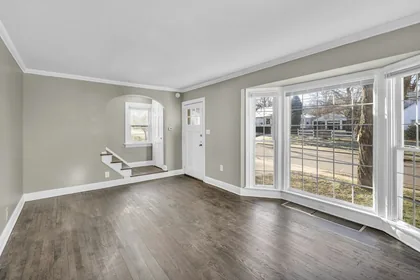 Original
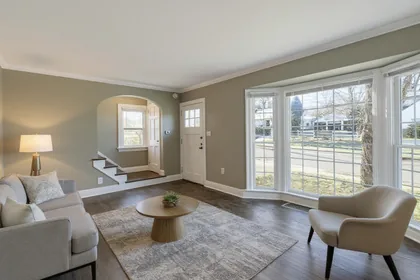 Modern
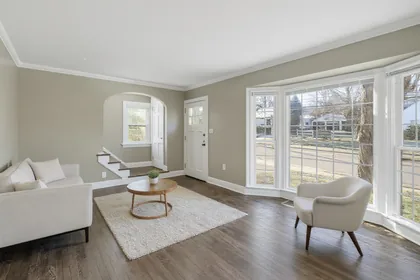 Minimalist
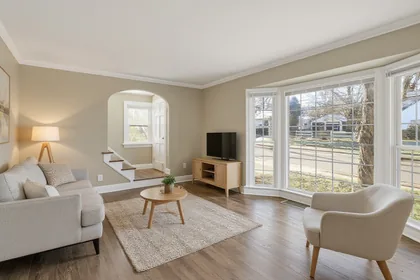 Scandinavian
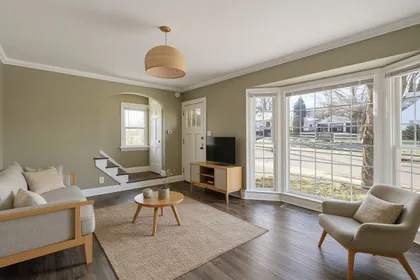 Japandi
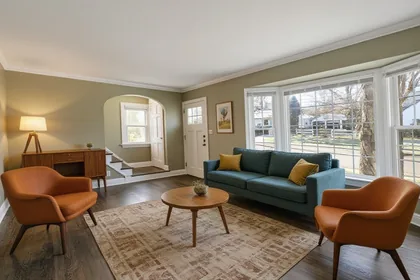 Mid-century
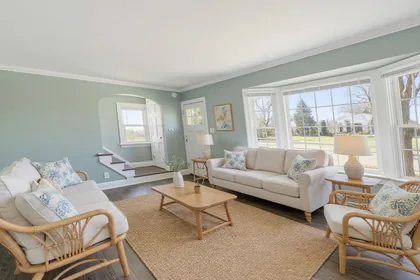 Coastal
Step 3: Check every staged photo
Before you publish, drag the slider and check:
- Windows and doors are exactly where they are in reality.
- The floor is the real floor. AI can occasionally lighten or swap flooring; if it does, try again or use a different version.
- Furniture scale is believable for the room size.
- Nothing hides a defect. Staging should add furniture, not cover damp, cracks or damage.
Step 4: Label staged photos honestly
Virtually staged photos are marketing images, not a record of what is included. Many listing services and local rules require you to say when a photo is virtually staged, and buyers increasingly expect it.
Good practice:
- Add "Virtually staged" to the photo or caption.
- Include the original empty photo in the listing too.
- Never use staging to change the structure, the view or the condition of a property.
Frequently asked questions
How much does AI virtual staging cost? On this site, one staged photo uses one credit. Packs start at $9.99 for 60 designs, about 17¢ each, with no subscription.
Can I use AI-staged photos in a listing? Yes, for properties you have the right to market, as long as you label them as virtually staged where required.
Do I have to say a photo is virtually staged? Often, yes. Many listing services and local rules require a label such as "Virtually staged", and the rules differ by market, so check with your listing service or portal before you publish.
Can it remove existing furniture? Not in staging mode. Use Room Redesign to replace existing furniture.
What resolution are the results? Designs come back at about one megapixel, which is suitable for listing sites and social media.
Read more
Image to Image AI Test: 3 Models on the Same Photos
Our image to image AI test ran Flux Kontext Pro, Nano Banana 2 and GPT Image 2 on the same 3 photos. See every output, cost, timing and flaw.
How to Edit Photos With AI: A Prompt-by-Prompt Workflow
How to edit photos with AI: upload a clear photo, describe one change, say what must stay, and compare versions. Includes AI photo edit prompts to copy.
What Is Image to Image AI? A Practical Guide
What is image to image AI? Learn how it edits a photo you already have, how it differs from text to image and filters, and how to start with a prompt.