 BEFOREAI DESIGN
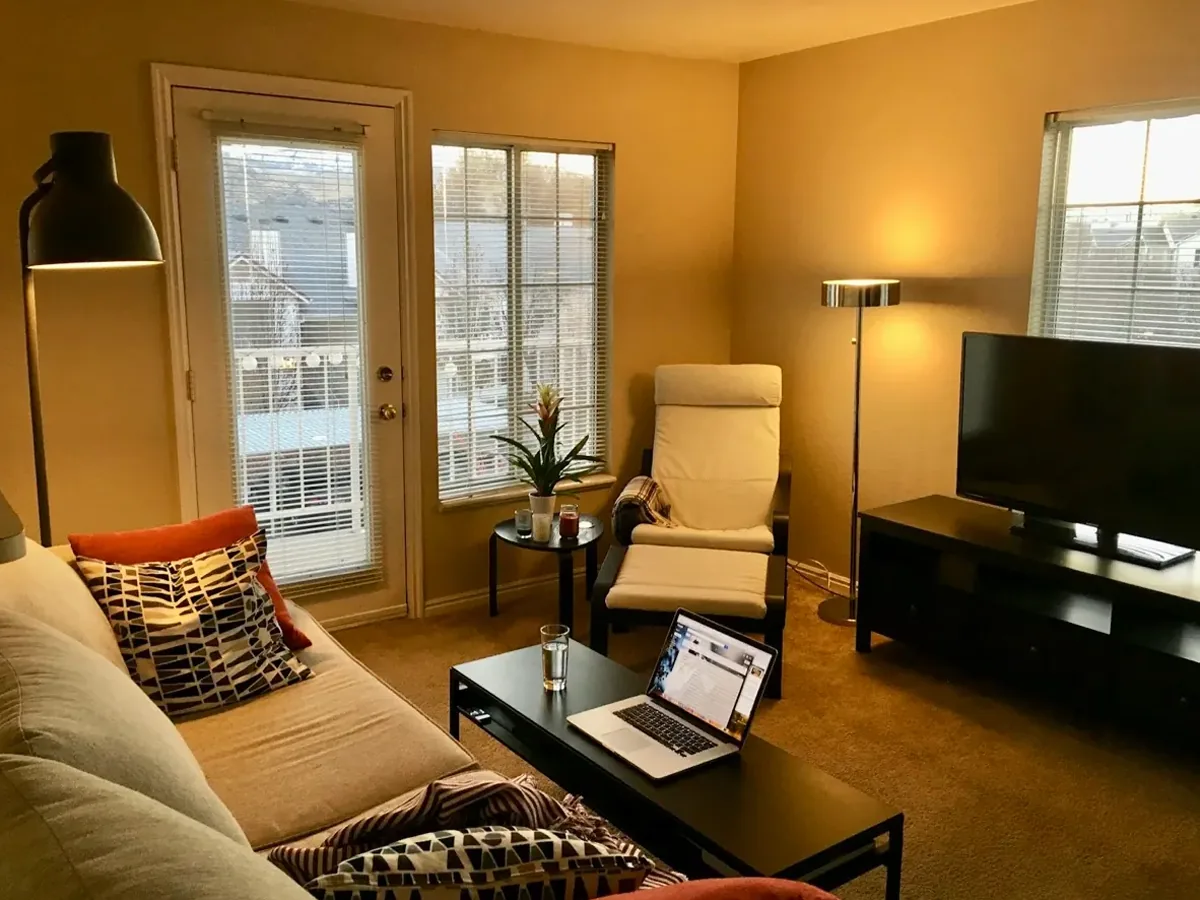
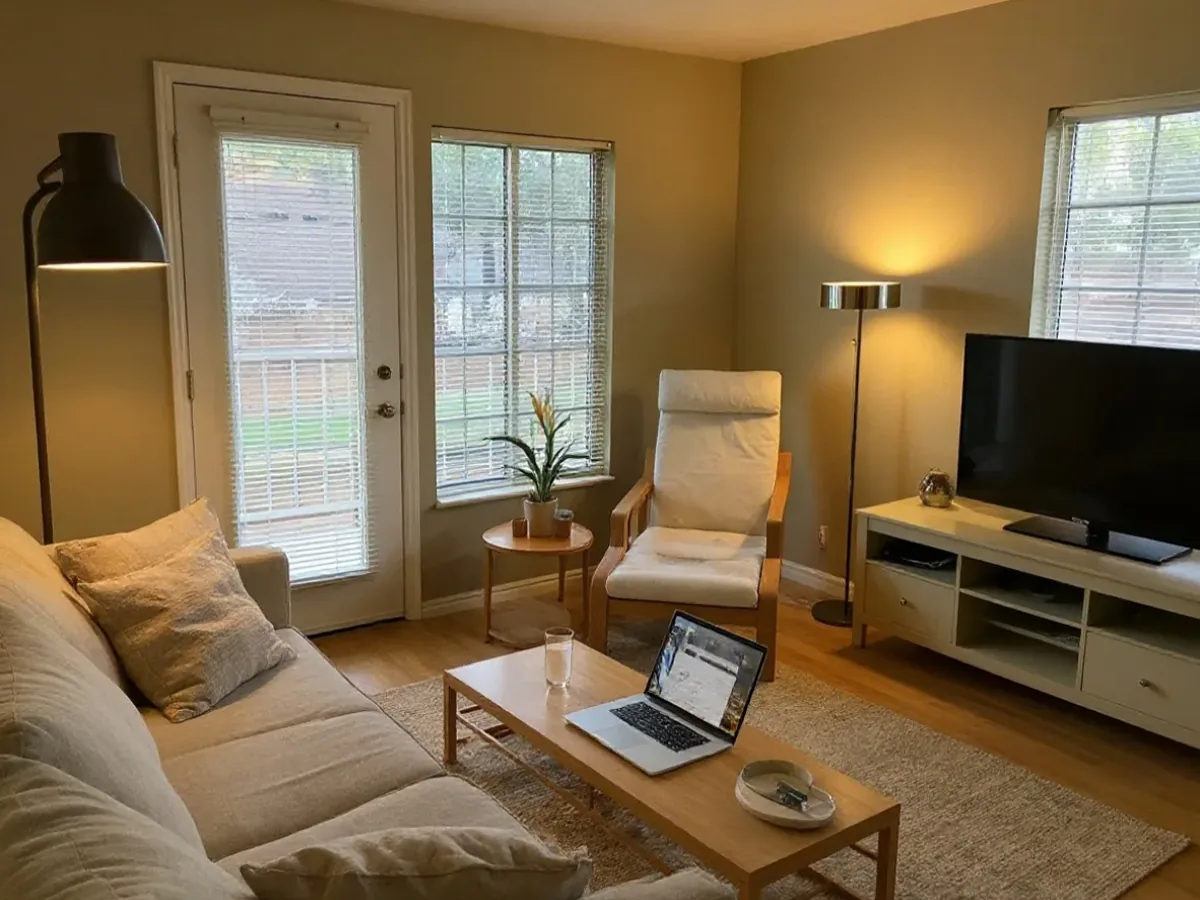
Furnished living room, restyled
Furniture, rug and palette change; the French door, windows and viewpoint stay where they are.
Photo: Brett Wharton / Unsplash
Upload your room photo to try six interior styles. Redesign a furnished room or virtually stage an empty space, then compare the result with your original.
BEFOREAI DESIGNExplore three real rooms transformed with AI room design. Drag the slider to compare the original and generated image, or switch between six styles.
BEFOREAI DESIGNFurniture, rug and palette change; the French door, windows and viewpoint stay where they are.
Photo: Brett Wharton / Unsplash
 BEFOREAI DESIGN
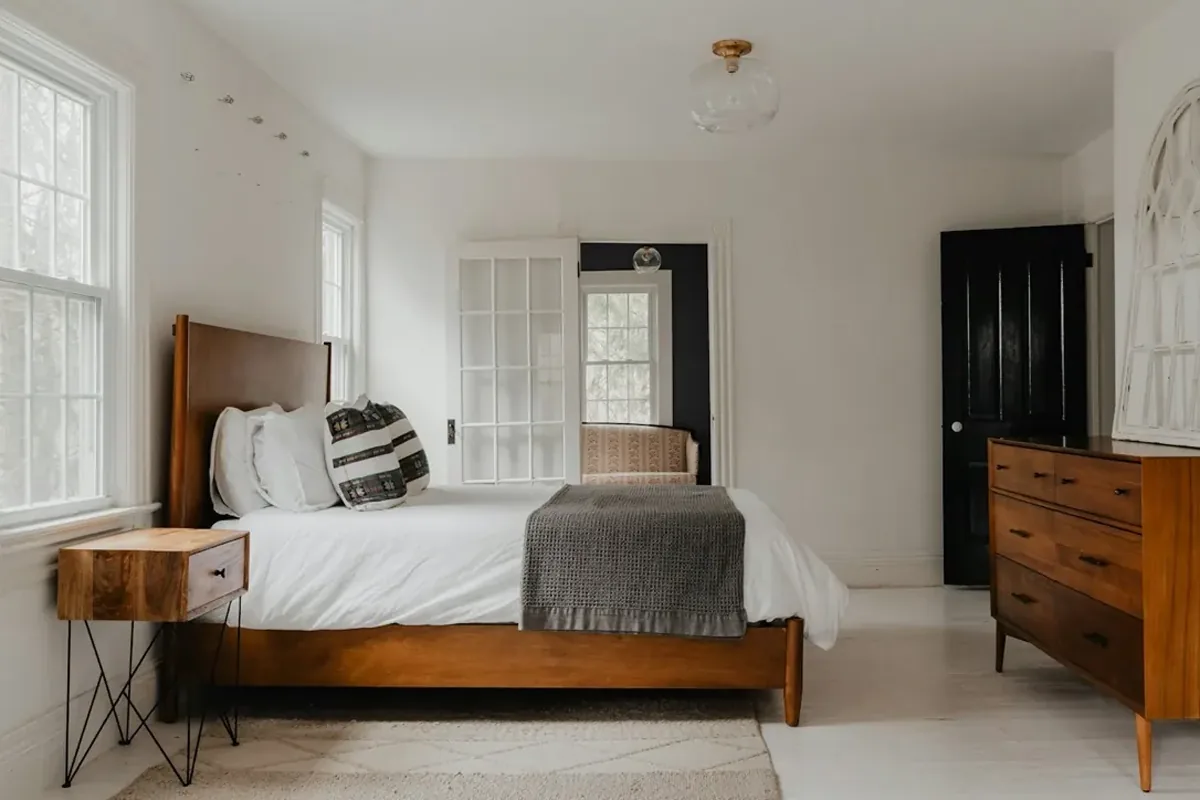
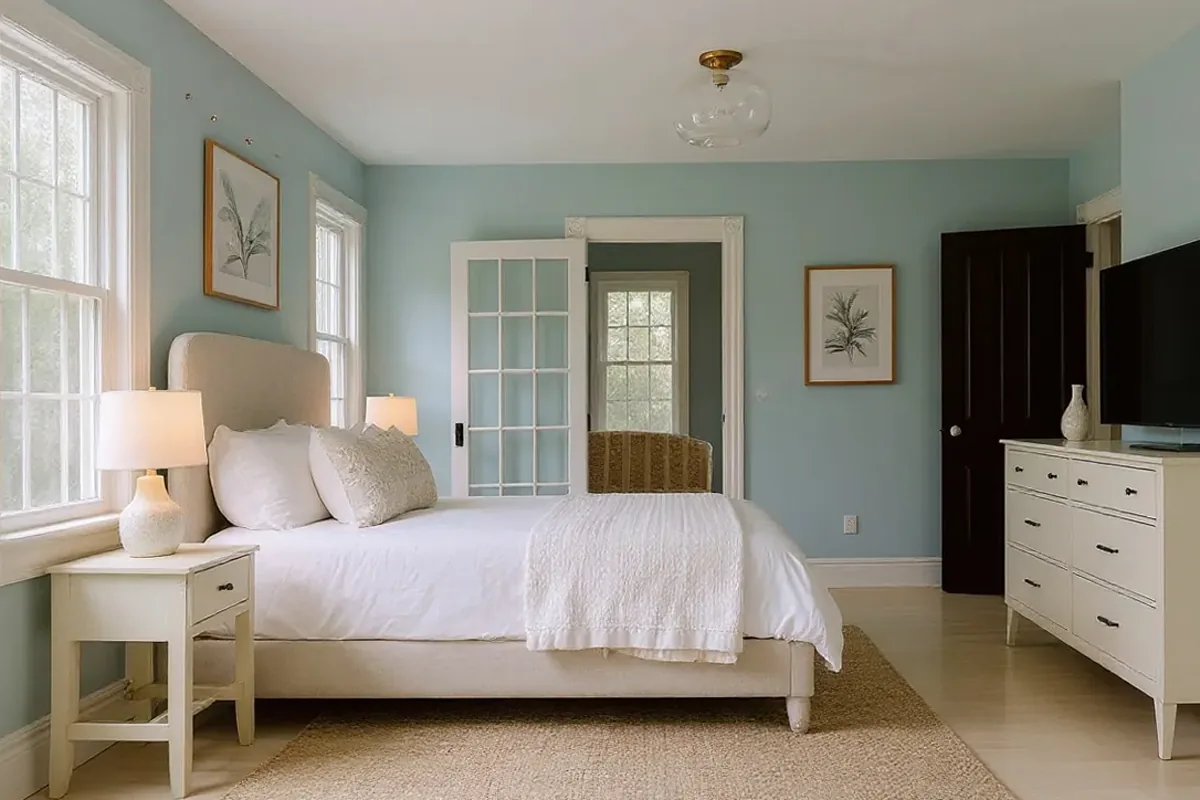
New wall colour, bedding and furniture for the same bedroom, with every door and window kept.
Photo: Clay Banks / Unsplash
 BEFOREAI DESIGN
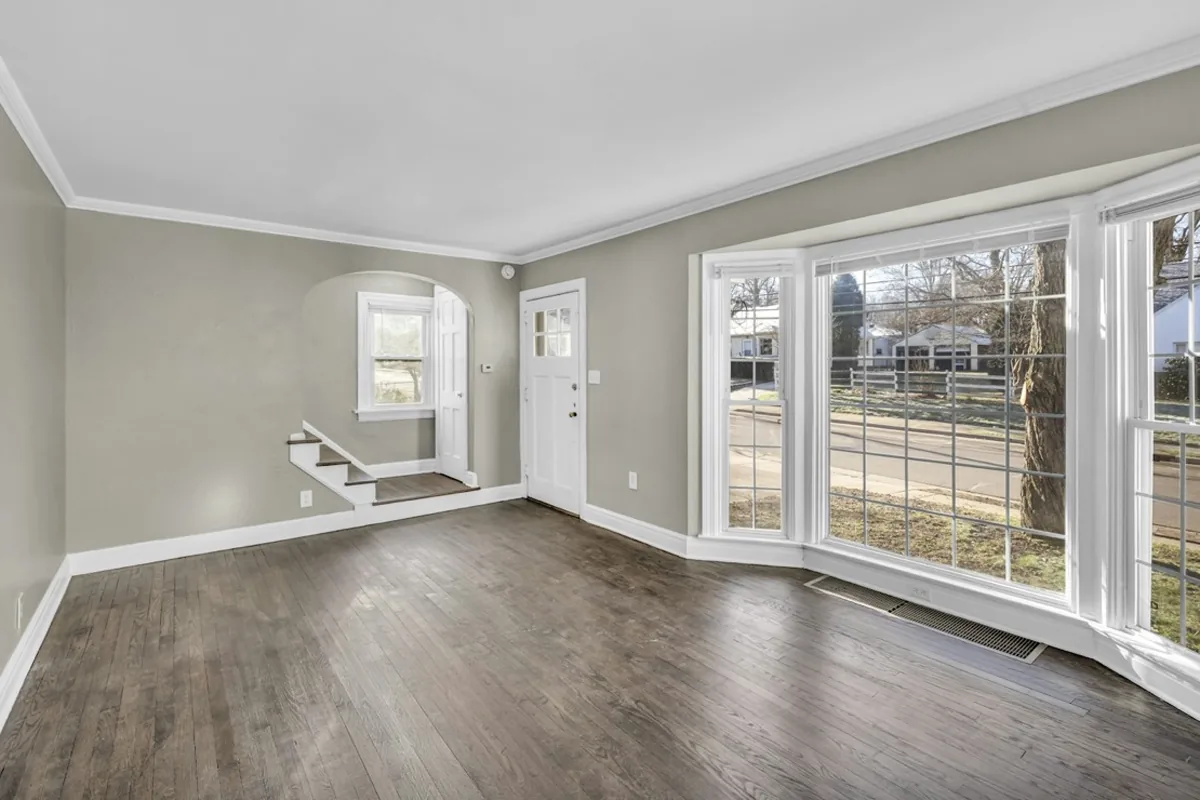
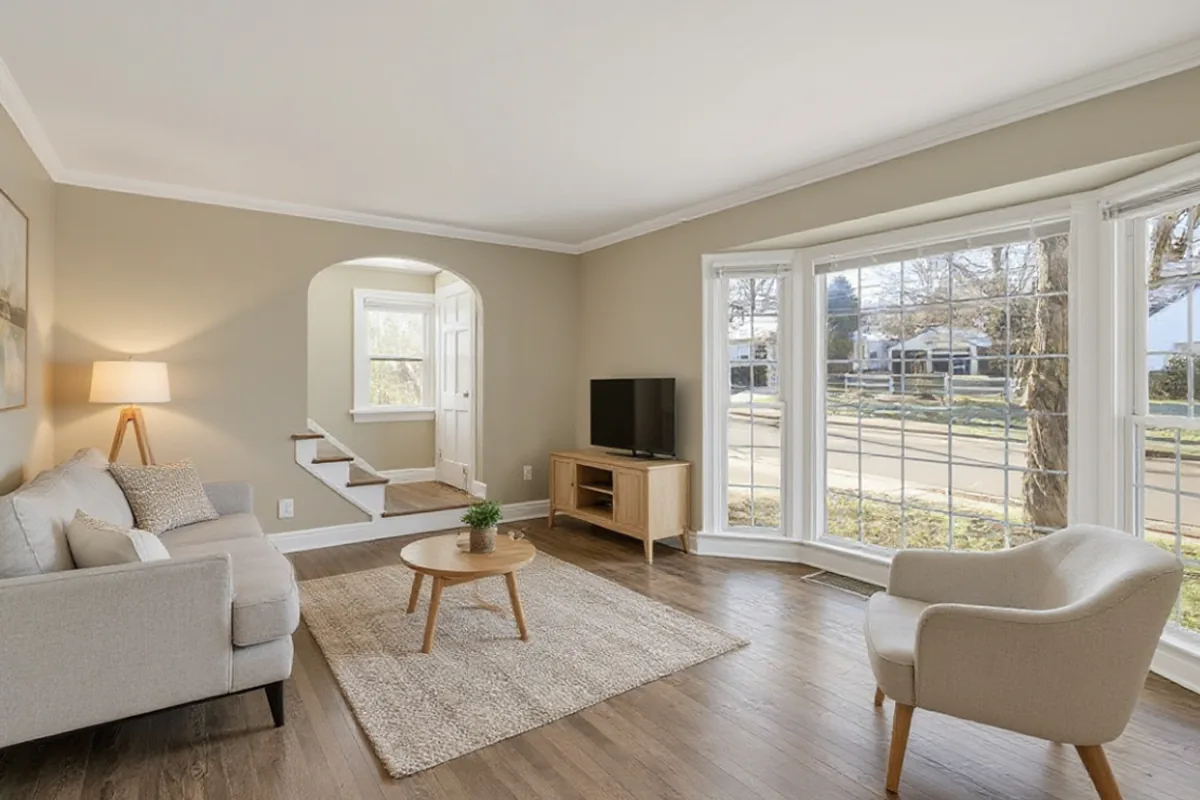
Furniture, a rug and lighting added to an empty room, keeping the bay window and floor.
Photo: Josh Lemmon / Unsplash
AI room design uses a photo of your existing space to create interior design concepts. With Image to Image AI, you can restyle a furnished room or add furniture to an empty one, then compare the result with the original.
Try the sample rooms above without an account. To generate an image from your own room photo, sign in for 2 free credits, which expire after 30 days. Purchased credit packs never expire, and failed generations are refunded automatically.
Room design is one of several AI photo styles in Image to Image AI, and the same credits work for everyday photos. Turn a pet or family snapshot into a printable photo to coloring page sheet, redraw a portrait with photo to sketch, or give a scene an illustrated look with photo to cartoon.
One room image uses one credit. Failed images are refunded automatically, and downloading or comparing an image you already have is free.
$9.99/ 60 credits
Enough to try plenty of ideas on your photos. Pay once; there is no subscription.
$19.99/ 200 credits
For bigger projects and lots of versions, at the lowest price per credit.
Every new account starts with 2 free credits, which expire after 30 days. Prices in USD; taxes may apply. Secure checkout by Stripe.
Three steps from a photo to an image you can compare.
Take a photo from a corner with good daylight, then choose Room Redesign for a furnished room or Virtual Staging for an empty one.
Pick the room type and one of six styles. Add a short note if something must stay, like the floor or a favourite sofa.
Drag the slider to compare the design with your room. Try another style or version, then download the one you like.
Decide on a direction for your room before you spend on it.
Choose a room type and a style. There are no prompts to learn and no software to install.
A slider puts your room and the design side by side, so you judge the change, not just a pretty picture.
Each design is asked to keep walls, doors, windows and perspective. Check the result, since AI can still drift.
One room image uses one credit, shown before you click. Downloads and comparisons are always free.
Photos and designs are visible only in your account and are never added to a public gallery.
If a generation fails or times out, the credit is returned automatically. You never pay for an error.
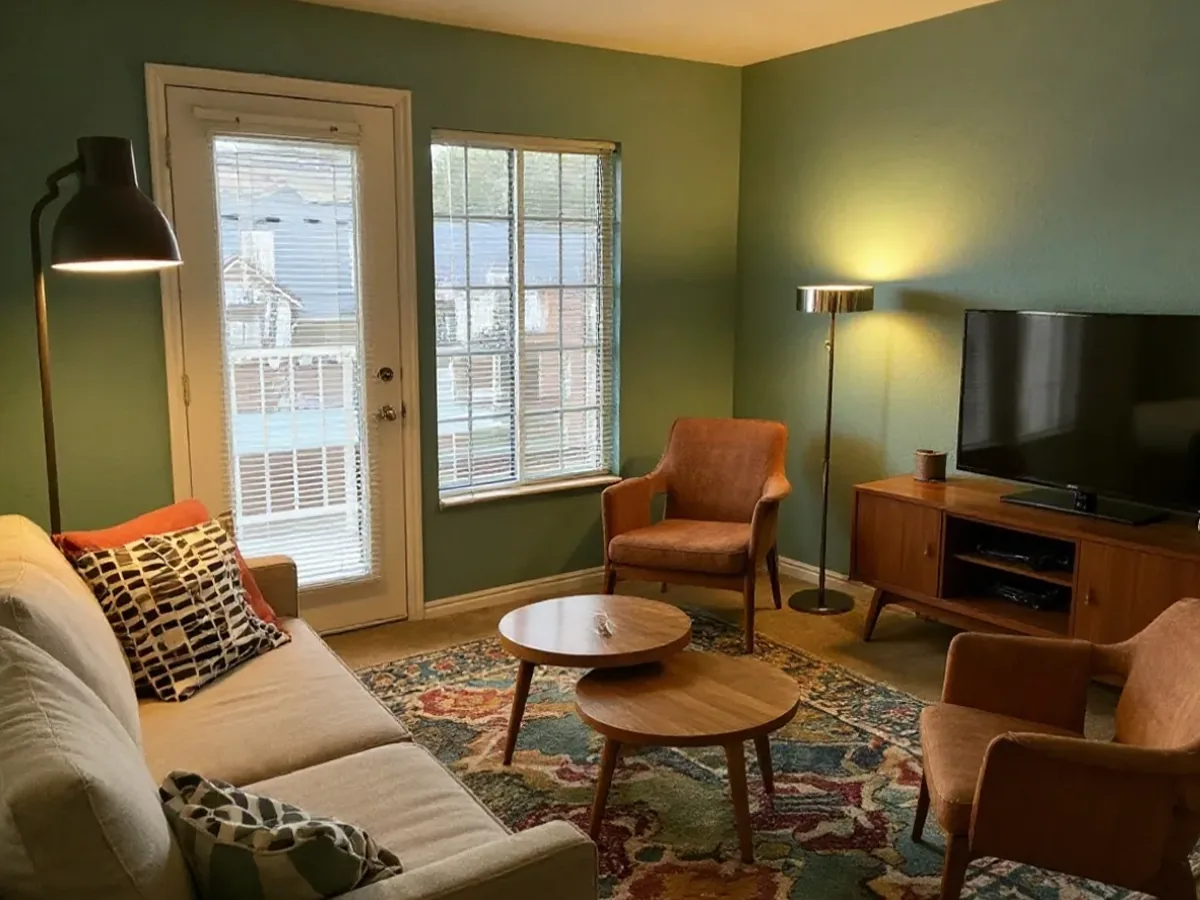
Explore new furniture, colours and decor in a furnished room. Designs aim to keep the existing walls, windows and camera angle, so you can compare ideas before you shop.
Try Room RedesignAdd furniture, a rug and lighting to a photo of an empty room. Preview decorating ideas for a new home or rental, or create a staging concept to label and use in a listing.
AI virtual staging for empty rooms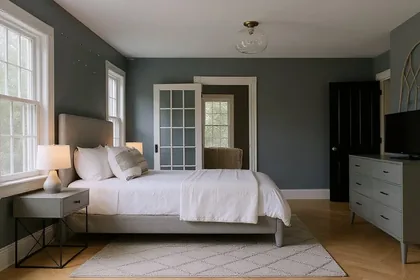
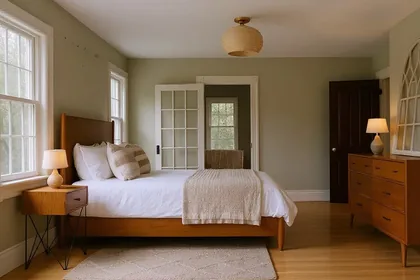
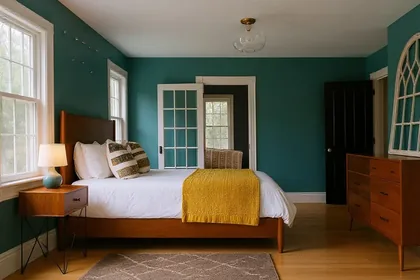
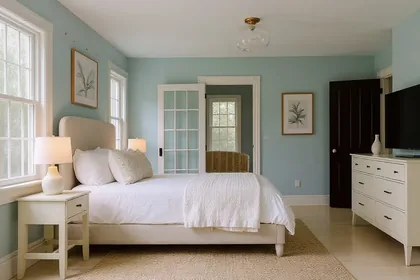
Every design from the same photo is kept as a version. Switch between them and compare each with the original before you decide.
Try it nowMost disappointing results come down to one of these six things.
Dim photos give muddy results. Open the curtains or turn on the lights and shoot again in daylight.
Stand in a corner at chest height and include the floor and two walls. Close-ups of one wall leave the AI guessing.
Use a JPG, PNG, WebP or iPhone HEIC photo up to 15 MB. If a photo still will not open, export it as a JPEG and try again.
Most designs finish within a minute. If one times out, the credit is refunded and you can try again.
AI can shift structure. Try again, or add a note such as “keep the window and door exactly as they are”.
Stay signed in and try again. On iPhone, press and hold the image, then save it to Photos or Files.
Generated images are concepts for exploring a direction. They are not measured plans, and the furniture shown is not a specific product you can buy.
Structure can drift. Each image is asked to keep walls, doors, windows and perspective, but the AI can still move a window, change a ceiling or resize a doorway. Compare with the slider before you rely on a result.
Scale and fit are not checked. A sofa or bed can look right in the image and still not fit the real room, so measure the space and check sizes and structure with a professional before you build or buy.
Choose a room to set up the workspace, then upload your photo.
Restyle sofas, rugs and lighting, or stage an empty lounge for a listing.
Try a calmer palette, new bedding and furniture before you repaint or buy.
See a desk setup, shelving and lighting that fits the room you already have.
Compare table, chairs and pendant styles while keeping your windows and walls.
Read what image to image AI is to see how a photo and an instruction become a new image, and why walls or windows can still change. When you add a note such as “keep the window and door”, how to edit photos with AI prompts shows how to describe one change and say what must stay.
Credits, privacy and what to expect from a generated image.
Every design is asked to keep the layout, walls, windows, doors and camera angle. AI can still shift details, so compare the result with your photo using the slider.
Room Redesign restyles a room that already has furniture. Virtual Staging adds furniture to an empty room. Staging does not remove existing furniture.
A bright, level photo taken from a corner that shows the floor and two walls. JPG, PNG, WebP and iPhone HEIC photos up to 15 MB are supported.
You can use designs of rooms you have the right to photograph. Label them as AI-generated or virtually staged, as many listing sites require.
No. Choose the room type and a style; the optional note is for anything specific, such as keeping the floor.
No. Designs are AI concepts for exploring ideas. They do not give measurements, and furniture shown is not a specific product.
Try AI room design free with 2 images. Compare them with your room before you change a thing.
Upload your room Photos stay private to your account · Privacy details