Photo to coloring page: turn any photo into a printable coloring sheet
Turn a photo into a coloring page in your browser: Image to Image AI's photo to coloring page tool makes a black-and-white coloring sheet from a family photo, pet or favorite object. Choose the outlines and detail level, compare the result, then print it on A4 or US Letter.
2 free credits for new verified accounts
From 1 credit per generation
Compare every version
Private by default
Real exampleSAVED EXAMPLE
BEFORESAVED AI RESULT
Saved example · gpt-image-2. Drag the slider to compare. Upload your own photo to try your settings.
Convert this photo into a printable black-and-white coloring page. Preserve the main subject and recognizable composition. Use clean bold closed outlines on a pure white background, large open areas for coloring, no shading, no grayscale, no solid black fills, no text or watermark. Simplify small background details.
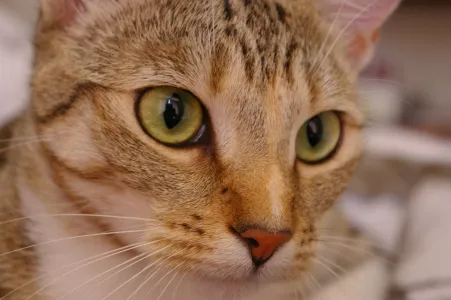
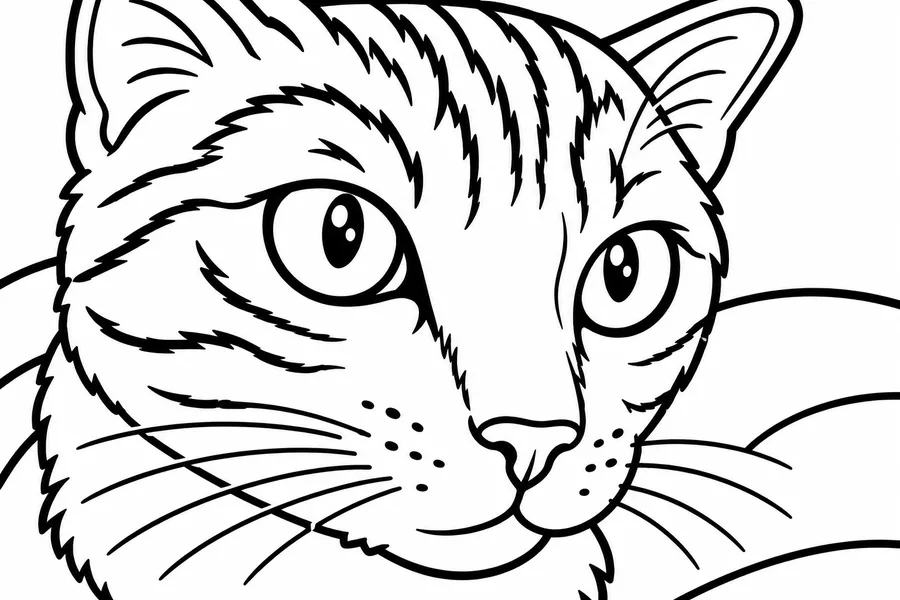
The face and gaze remain recognizable, with large white coloring areas. The model kept solid black pupils and simplified the fur markings.
BEFORE AND AFTER
Photo to coloring page examples
For measured pet gifts and the remaining limits of coloring pages, see our photo editing use cases.
Original photos and actual AI outputs. Compare the interpretation, then open the generation details to see the prompt, model and source. The same photos ran through three models in our image to image AI test.
BEFOREAI RESULT
Chelsea the cat
The face and gaze remain recognizable, with large white coloring areas. The model kept solid black pupils and simplified the fur markings.
Generation details and image source
Model: gpt-image-2. Generated: 2026-11-10. Result shown without retouching.
Prompt: Convert this photo into a printable black-and-white coloring page. Preserve the main subject and recognizable composition. Use clean bold closed outlines on a pure white background, large open areas for coloring, no shading, no grayscale, no solid black fills, no text or watermark. Simplify small background details.
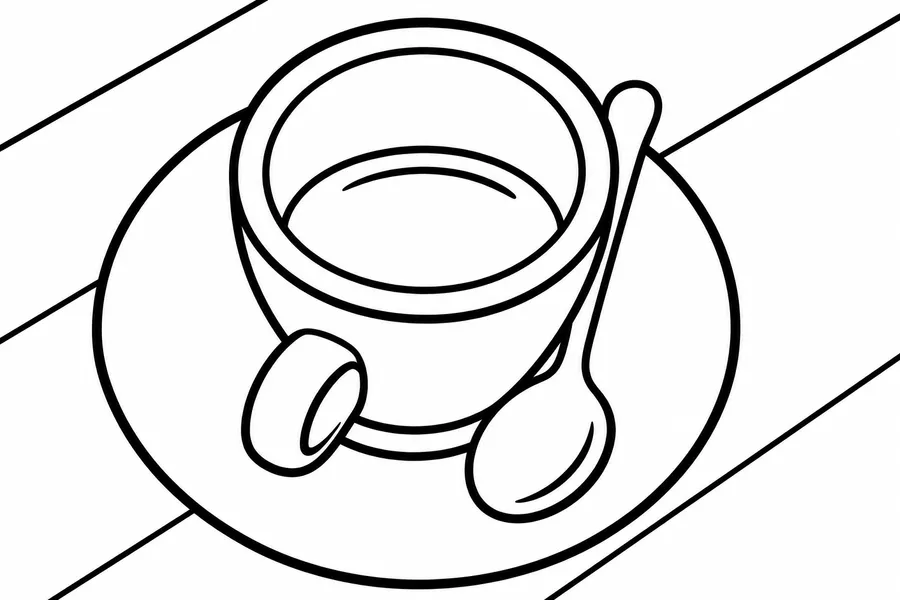
Bold cup, saucer and spoon outlines leave open coloring areas. Reflections and wood texture are simplified, and a few outlines remain open.
Generation details and image source
Model: gpt-image-2. Generated: 2026-11-10. Result shown without retouching.
Prompt: Convert this photo into a printable black-and-white coloring page. Preserve the main subject and recognizable composition. Use clean bold closed outlines on a pure white background, large open areas for coloring, no shading, no grayscale, no solid black fills, no text or watermark. Simplify small background details.
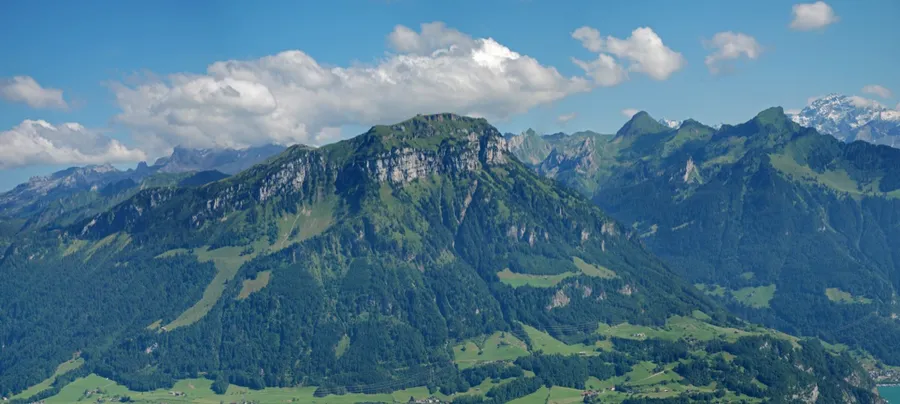
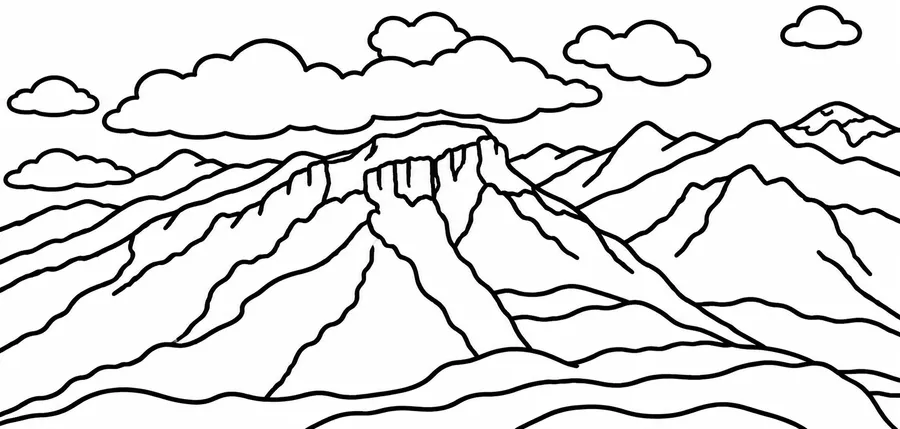
Large mountain and cloud shapes suit broad coloring areas. Trees and buildings are omitted, and some ridge lines do not form closed regions.
Generation details and image source
Model: gpt-image-2. Generated: 2026-11-10. Result shown without retouching.
Prompt: Convert this photo into a printable black-and-white coloring page. Preserve the main subject and recognizable composition. Use clean bold closed outlines on a pure white background, large open areas for coloring, no shading, no grayscale, no solid black fills, no text or watermark. Simplify small background details.
Crayons and markers need shapes with an edge all the way round. In the coffee cup and mountain examples above, a few outlines and ridge lines stay open, so trace the main edges with your eye before printing.
No gray shading or dark fills
A coloring sheet needs white interiors. The prompt asks for no gray shading, crosshatching or color, yet the cat example kept solid black pupils. Look for dark patches and shadows the AI carried over from the photo.
Areas big enough to color
Fur, foliage and cluttered backgrounds turn into many tiny regions, because every edge can become another outline. Simple detail asks for larger open areas; in the mountain example, trees and buildings were dropped to keep broad shapes.
Upload a well-lit photo of a pet, person or object. A simple background gives the AI fewer competing edges to turn into outlines.
STEP 02
Guide the outlines
Choose bold or fine outlines and simple or detailed coloring areas. Add a short instruction for anything you want the AI to simplify.
STEP 03
Check, download and print
Look for broken contours, tiny regions or unexpected gray areas. Download the result or open the fitted A4 / Letter print layout.
IDEAS TO TRY
Coloring page ideas from pets, family photos and objects
A familiar pet to color
Start with one animal against a clear background. Bold outlines and simple detail can make the shapes easier to color.
A coloring page for kids from a family photo
Turn your own holiday or family snapshot into an activity sheet. Faces and hands may be redrawn, so check them before sharing.
Objects for a classroom theme
Use a photo you own of a plant, toy or everyday object. Review the outlines and choose a detail level suited to the activity.
WHAT TO EXPECT
Limits of an AI coloring page: a redraw, not a trace
This redraws the photo; it is not an exact edge trace. Faces, small objects and background details can change.
Outline weight and detail level are generation instructions. Line thickness is not measured in pixels, and closed regions are not guaranteed.
The output is a raster image. Printing fits it within A4 or Letter margins; it does not create SVG paths or guarantee 300 DPI.
PRICING
Start with 2 credits, then pay once for more
GPT Image 2 uses 1 credit per image; Nano Banana 2 uses 3. Failed generations are refunded automatically. Comparing and downloading existing results are free.
STARTER PACKONE-TIME
$9.99/ 60 credits
Enough to try plenty of ideas on your photos. Pay once; there is no subscription.
60 credits, about 17¢ each
Every tool, including AI room design
Any prompt, any photo
Purchased credits never expire
Failed images refunded automatically
Private to your account
VALUE PACKBEST VALUE
$19.99/ 200 credits
For bigger projects and lots of versions, at the lowest price per credit.
200 credits, about 10¢ each
Everything in the Starter Pack
Room to try many versions of each photo
Purchased credits never expire
Failed images refunded automatically
Every new account starts with 2 free credits, which expire after 30 days. Prices in USD; taxes may apply. Secure checkout by Stripe.
FAQ
Photo to coloring page: questions and answers
Is there a free AI coloring page generator?
Try turning a photo into a coloring page for free: new accounts with a verified email or phone number get 2 free credits, enough for 2 coloring pages with GPT Image 2; they expire 30 days after sign-up. After that, each coloring page uses 1 credit with GPT Image 2 or 3 with Nano Banana 2 from a one-time pack, with no subscription. Failed generations are refunded automatically.
Do I need an app to make a coloring page from a photo?
No. This picture to coloring page converter runs in your web browser on a phone, tablet or computer, so there is nothing to install. Upload the photo, generate the coloring page, then download it or print it from the browser.
Can I print on A4 or US Letter?
Yes. A finished result has a paper-size selector and Print coloring page button. The layout fits the whole image inside 12 mm margins without cropping. Match the paper in the print dialog and disable browser headers and footers if they appear.
Can I download a PDF or SVG?
The image downloads as a raster file. In the print dialog, your browser or operating system may offer Save as PDF. That PDF contains the raster image; Image to Image AI does not convert it into SVG or vector linework.
Why are some lines broken or shaded?
AI can misread fine fur, hair, foliage or cluttered backgrounds. Try a clearer subject, choose simple detail, or ask for fewer background details. Review every result; closed outlines and pure black-and-white regions are not guaranteed.
Line art vs coloring page: what's the difference?
Line art is any drawing made of lines, and it can include hatching, open strokes or fine texture. A coloring page is line art made for filling in: closed outlines, white interiors and areas large enough for crayons or markers. The photo to coloring page tool asks for the second kind; for shaded linework, try photo to sketch with Ink pen.
Try another way to restyle your photo
See every tool with a real example on the AI photo styles page, or go straight to another style.
 BEFOREAI RESULT